
Fetch from the port. Warn the customer.
LFD, ETA, ERD and cut-off emails, sent for you. Save the late storage fee.
Late storage and demurrage fees usually start with a date nobody saw coming. LoadPilot pulls the dates from the port, then tells your customer in time to act.
Less admin. Fewer mistakes.
Straight from the port
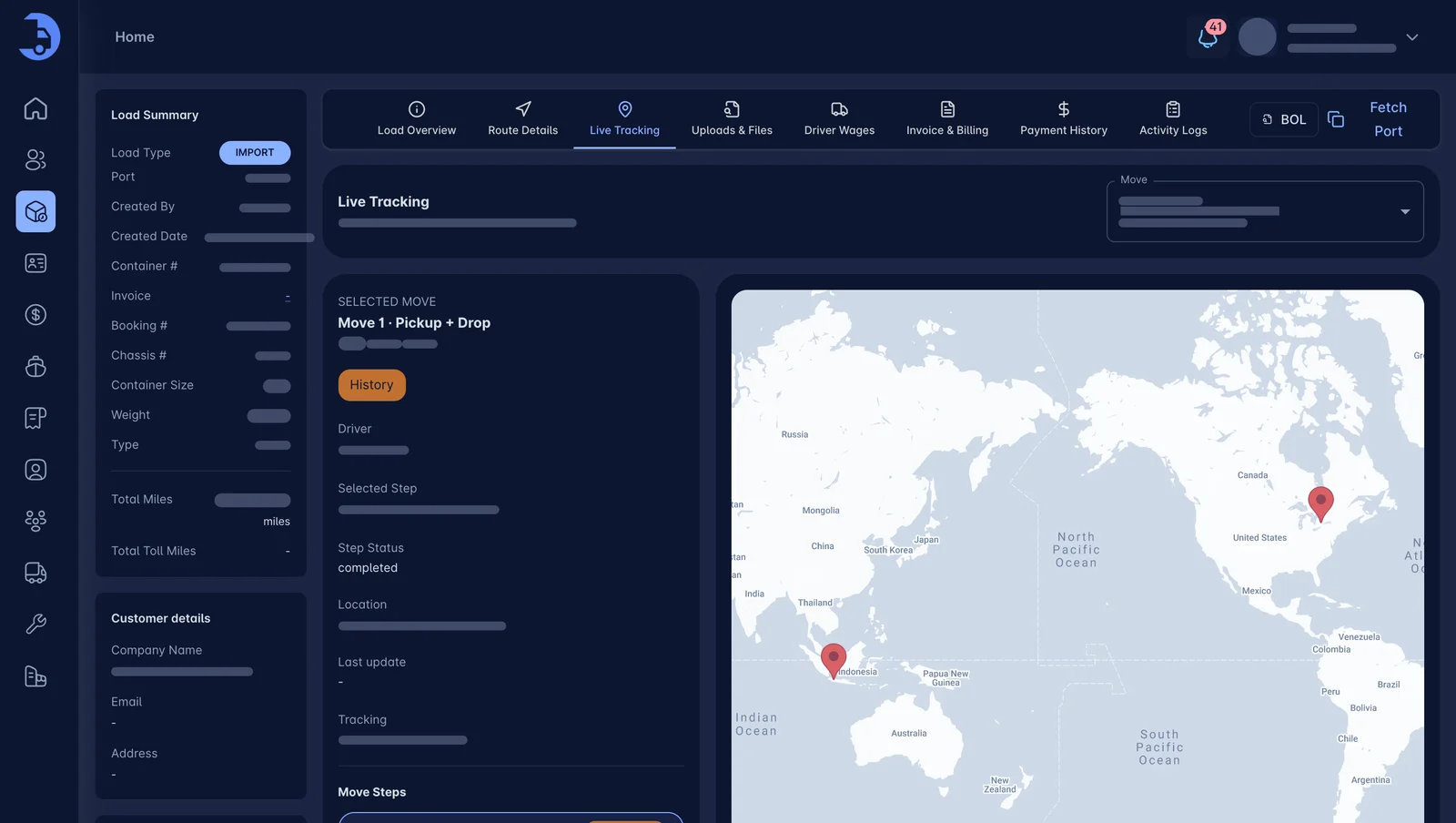
Port data is fetched directly into the container record, so the dates are the port dates, not a guess.
Four alerts, automatic
Customers get emails for LFD, ETA, ERD and cut-off. No one on your team has to remember to send them.
Money you keep
When the customer moves the box in time, you avoid late storage and demurrage fees that would come out of your margin.
The four dates that cost money.
LFD tells the customer when free time ends. ETA says when the vessel arrives. ERD marks the earliest empty return, and cut-off is the port deadline. One clear email for each, with the container number.
- LFD: last free day
- ETA: vessel arrival
- ERD: earliest return date
- CUT OFF: port deadline
Connect the port. Alerts follow.
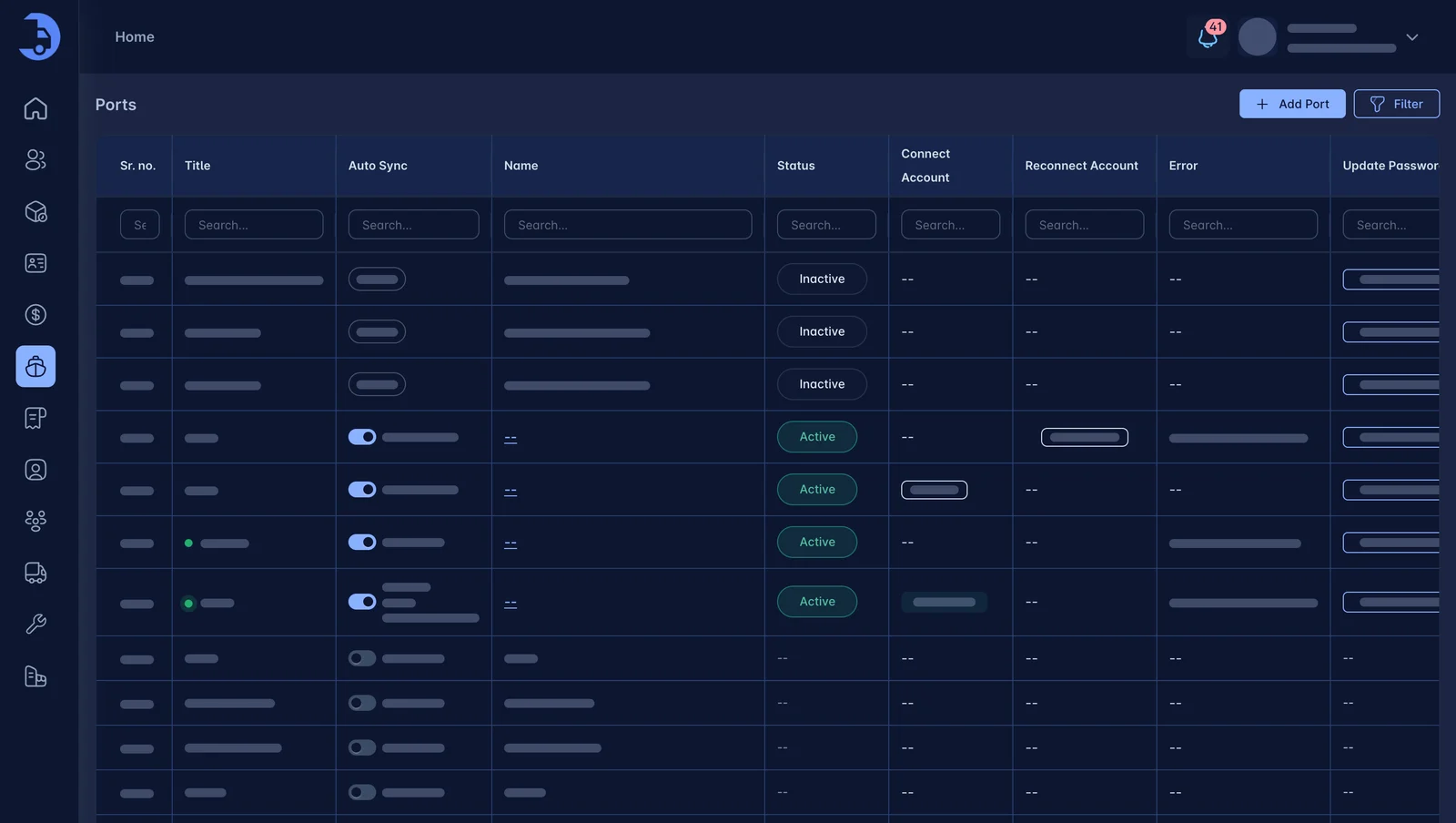
Add the terminals you use, connect the port account, and fetch port data into each load. Alerts are then emailed to your customers from the dates on the container.
- Ports and terminals configured once
- Data fetched directly from the port
- Emails sent automatically to customers
Works best with the rest.
Container Tracking
Terminal ETAs, availability and last-free-day alerts. On the load, where you need them.
Learn more →Dispatch
Drag a load onto a driver. Watch every move live. Run fewer empty miles.
Learn more →Port Alerts
LFD, ETA, ERD and cut-off emails, sent for you. Save the late storage fee.
Learn more →See LoadPilot in action.
A 30-minute walkthrough using your kind of loads. Bring your toughest questions.