
Home / Features / Integrations
Features · IntegrationsConnect the tools you already use.
Less re-typing. Fewer errors. One flow of data.
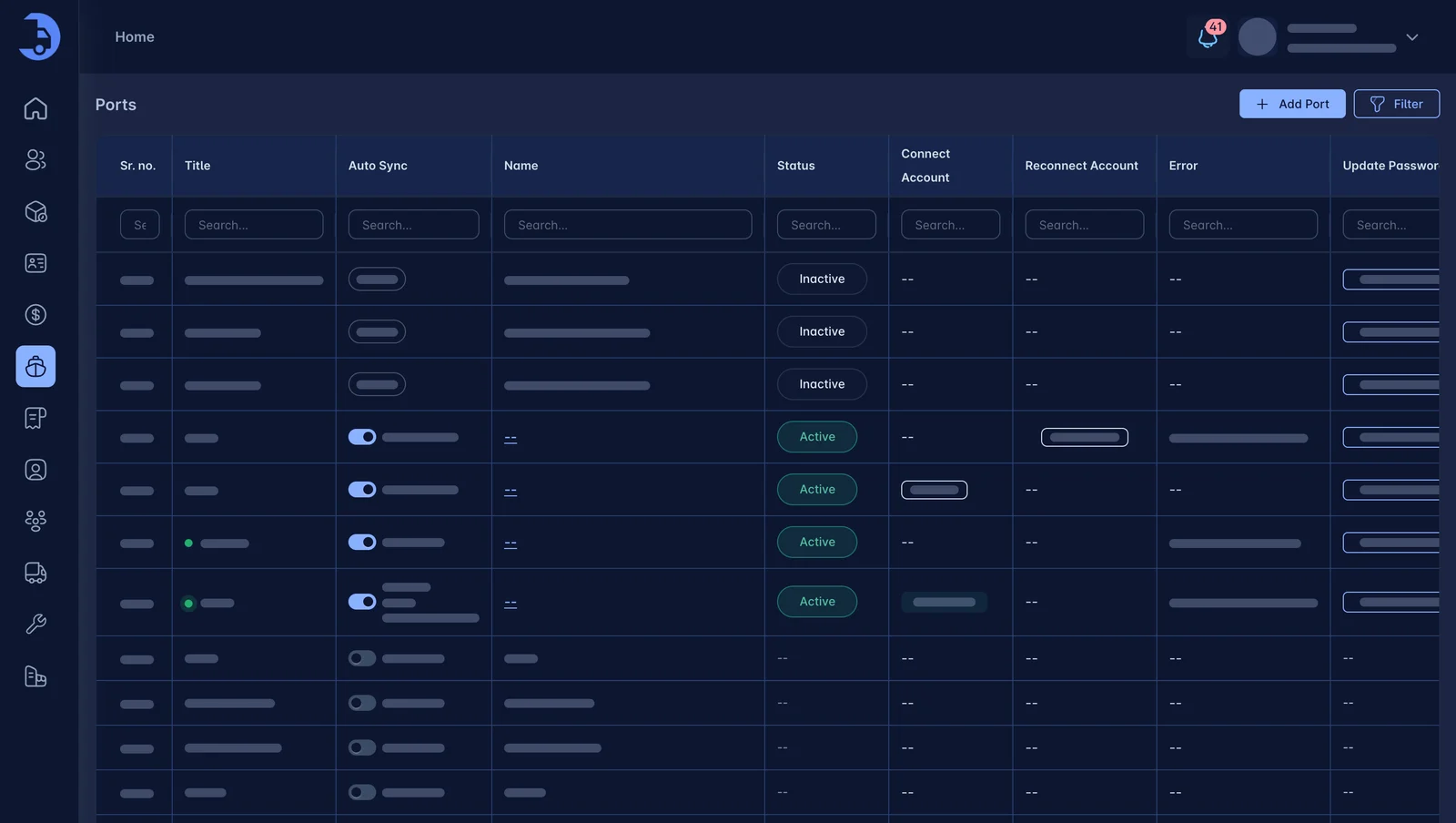
LoadPilot connects to the systems carriers already run on. Port connections bring terminal data into the load, and QuickBooks sync keeps invoices and payments aligned.
Less admin. Fewer mistakes.
Ports and terminals
Fetch port data into the load. Configure the terminals you use once.
QuickBooks sync
Invoices sync directly to QuickBooks the moment you create them, so billing and your books stay aligned with no double entry.
Live GPS tracking
Driver location comes from the LoadPilot app, so you can track every load without extra hardware.
Works best with the rest.
Billing & Invoicing
Auto-rated loads, accessorials captured as they happen, and a direct sync to QuickBooks.
Learn more →Container Tracking
Terminal ETAs, availability and last-free-day alerts. On the load, where you need them.
Learn more →Dispatch
Drag a load onto a driver. Watch every move live. Run fewer empty miles.
Learn more →See LoadPilot in action.
A 30-minute walkthrough using your kind of loads. Bring your toughest questions.